AI RAP DUO TEMPLATE
Hotel Lobby AI video generator
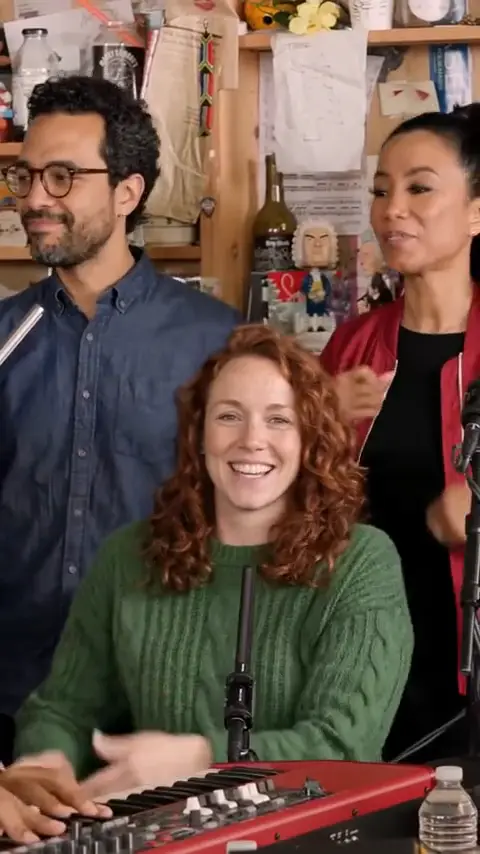
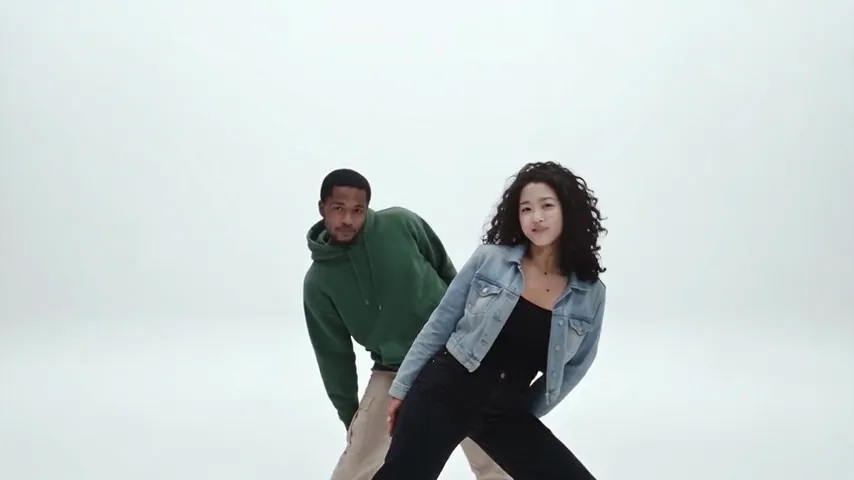
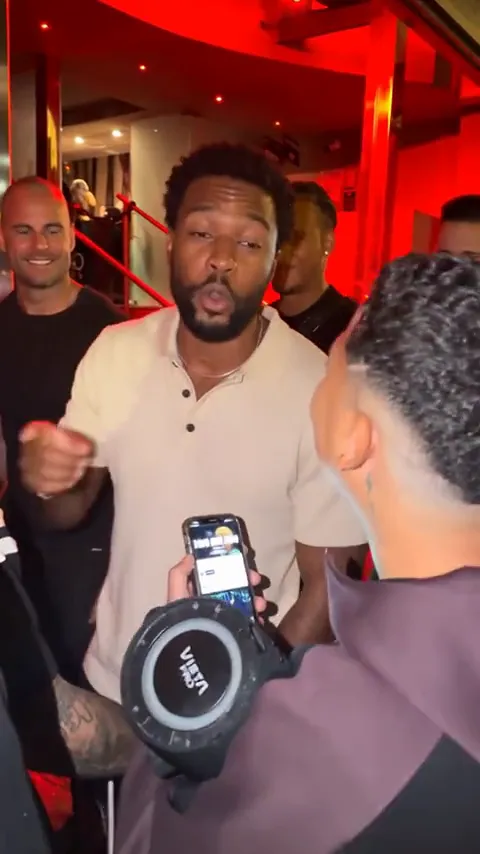
Two photos. One orange booth.
Create a 10-second rap-duo video from two photos. No prompt needed.
- 2 photos
- 10 seconds
- 16:9 landscape
MP4 download · No watermark
Your photos. A whole new performance.
One clear photo per person. One scene for your duo.
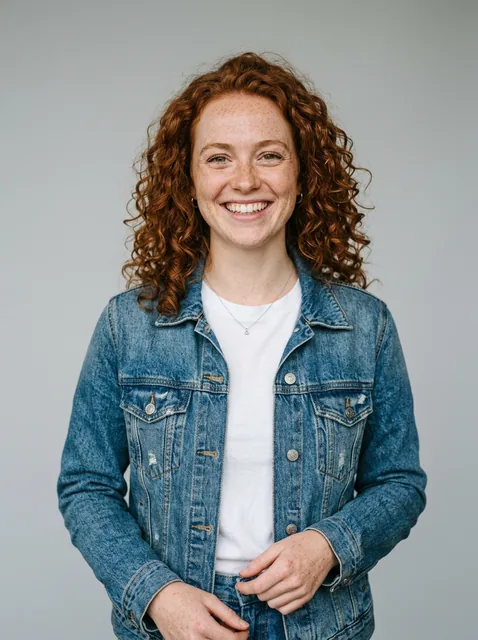
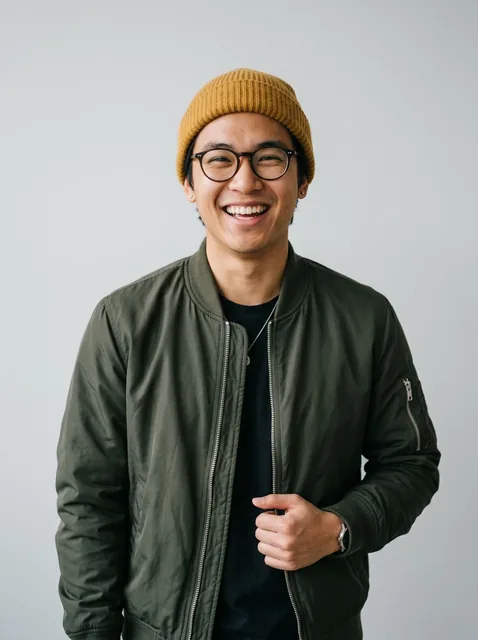
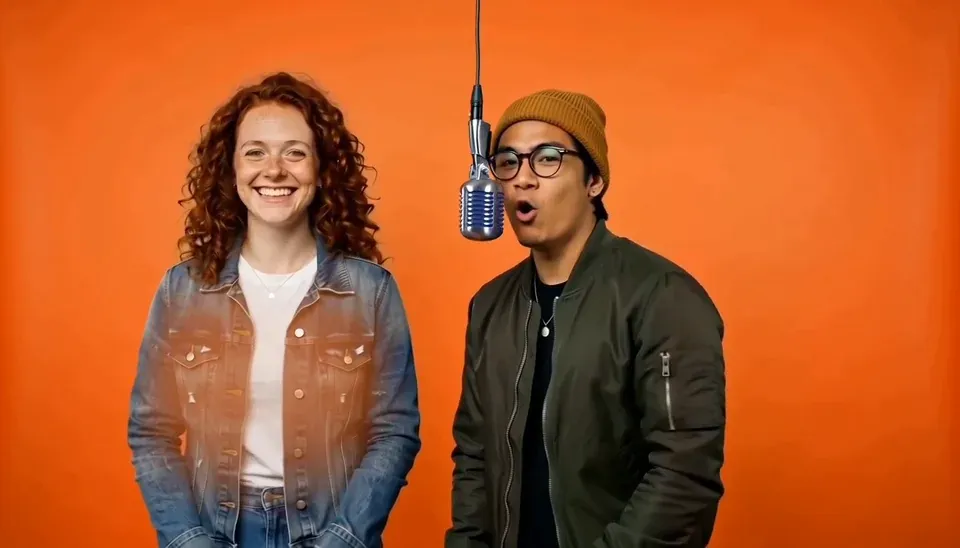
The preview illustrates the template. Faces, outfits and movement may differ.
How to make a Hotel Lobby AI video
Add your two photos
Use one clear subject per image. Choose who goes left and right.
Choose Standard or HD
Review the 10- or 20-credit cost before you generate.
Download your MP4
Review your 10-second clip and download it from My videos.
Use clear, well-lit faces. Avoid sunglasses and busy group photos.
What is the Hotel Lobby AI trend?
A duo in an orange studio. One hanging microphone. A back-and-forth rap performance made from photos.
The trend takes its visual inspiration from Quavo and Takeoff’s Hotel Lobby performance on A COLORS SHOW. Searches for the Migos AI trend often refer to this same setup. TrendVideo provides an independent template for your own duo.
Watch the source performanceGenerated audio is included. The original song is not guaranteed.
Know your video before you create
| Feature | Standard | HD |
|---|---|---|
| Resolution | 480p | 720p |
| Credits per video | 10 | 20 |
| Duration | 10 seconds | 10 seconds |
| Export | 16:9 landscape MP4 | 16:9 landscape MP4 |
Starter pack: $9.99 for 10 credits. No free trial.
Compare packs and plansFailed technical renders return credits. Completed videos follow the refund policy. Read the refund policy
Questions before your first take
The details that matter before you create.
What is Hotel Lobby AI?
It is a photo-to-video trend built around a duo performing in an orange studio with a hanging microphone. On TrendVideo, this template uses two photos to create a 10-second landscape performance clip.
Is Hotel Lobby AI free on TrendVideo?
You can browse templates and watch previews for free. Generation requires paid credits; there is no free trial or free generation credit. A Standard video uses 10 credits, and HD uses 20 credits.
How much does a video cost?
Standard 480p uses 10 credits per video; HD 720p uses 20. The starter pack costs $9.99 for 10 credits. Larger packs and subscription plans are available on the pricing page.
Do I need two separate photos?
Yes. This template requires two image uploads, one for each subject. Use clear, well-lit photos with an unobstructed face. Upload JPG, PNG or WebP files up to 5 MB each.
Is the video vertical or landscape?
This template exports a 10-second, 16:9 landscape MP4. If you need a portrait post for TikTok, Reels or Shorts, crop or reframe the downloaded clip in an editor.
Does it include the original Hotel Lobby song?
The model generates audio with the video. The original commercial recording is not guaranteed. You can add an appropriately licensed sound in the platform or editor where you publish.
Can I make it on my phone?
You can use TrendVideo in a mobile browser. Upload two supported image files and follow the same creation steps. If your phone saves photos as HEIC, convert them to JPG, PNG or WebP before uploading.
How do I make a Hotel Lobby AI video?
Upload one photo for each subject and choose Standard or HD. Review your photos and the credit cost in the creation window, sign in if needed, then generate. Download the finished MP4 from My videos.
Will the result look exactly like my photos?
AI generation can change facial details, outfits, motion and timing. Clear photos give the model a better starting point, but exact likeness or matching the preview frame for frame is not guaranteed.
What happens if generation fails?
Credits used by a failed render are returned to your balance. Keep the task details and contact support if you need help. A completed result you dislike is different from a technical generation failure; see the refund policy for applicable conditions.
Still have a question? support@trendvideo.app